bux repo is open source, so if your bridge would help others, send a PR.
Telegram
The primary interface for most users. After you link a bot during setup, every message you send becomes a prompt, and the agent’s replies (text and screenshots) come back in the same chat. In our Telegram setup, you can have a forum where each topic is its own Claude Code or Codex session. That way you can run several sessions in parallel and context does not get mixed up.Web terminal
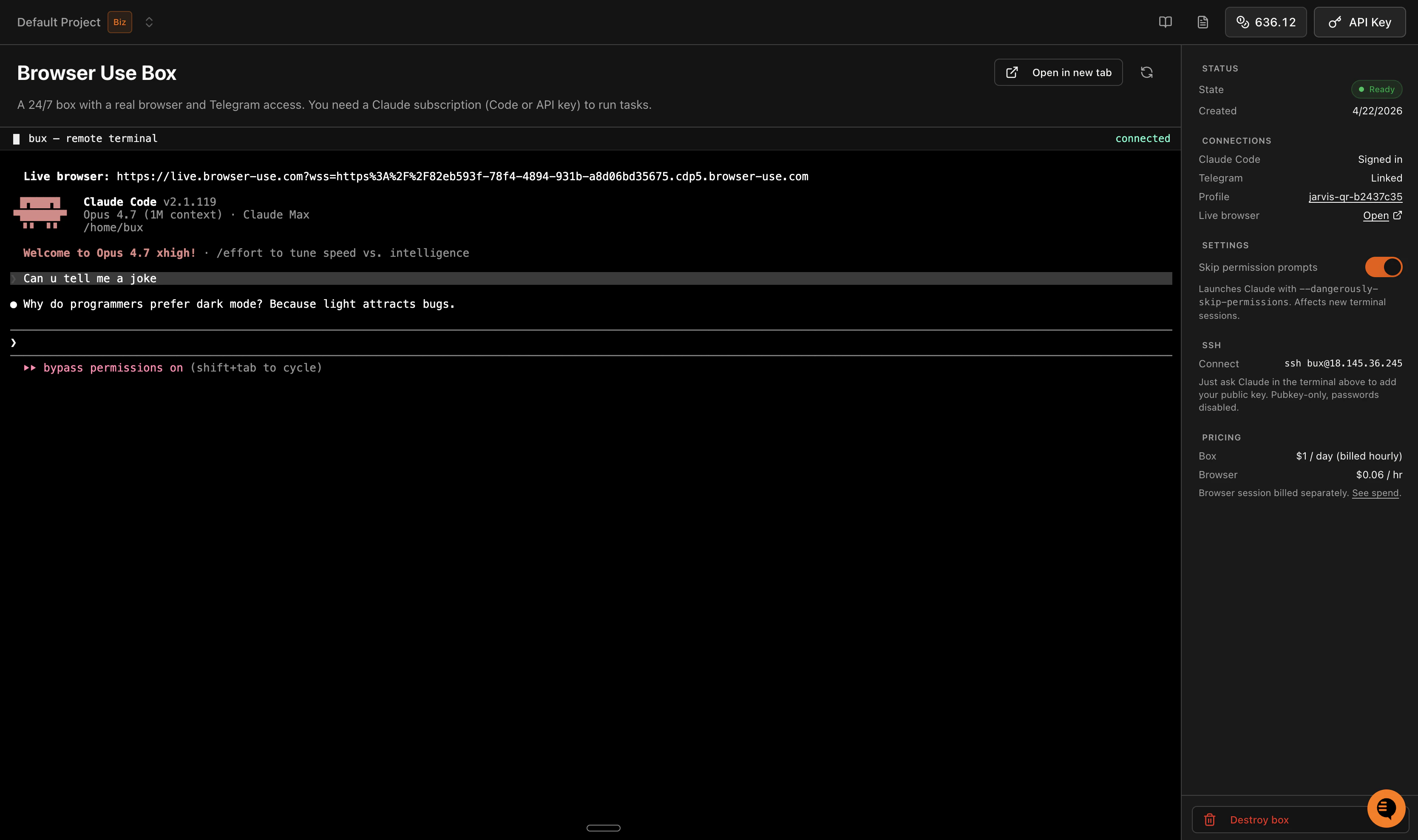
On cloud.browser-use.com/bux you can access the terminal of your cloud computer. This is useful for making fundamental changes or working from your laptop. You can of course also use Claude Code in the normal setup there. It’s also handy to reach your cloud computer’s terminal from the smartphone.